Search
  Sign Up
  VIP Club
Cashy Casino Login & Registration: Account Access
Cashy Casino registration only needs a valid email and a password to get started — you’re free to play every game and claim every bonus right away. Verification (a government-issued ID, proof of address, and proof of payment) only kicks in later, once your deposits or cashouts cross certain thresholds. Registered players get a 25% cashback on net losses without any wagering requirements.
How to Register at Cashy Casino
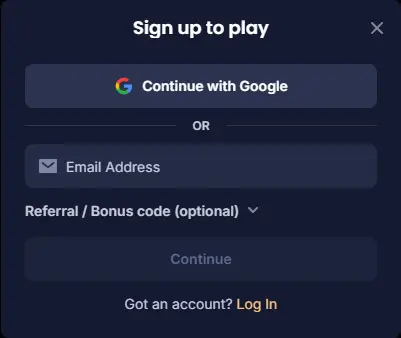
You can start Cashy Casino register in about two minutes, all on one page. As soon as it’s done, you’re free to try demo games or make your first crypto deposit.
To start, tap Sign Up in the header and fill in the basics:
- Click Sign Up at the top of the page.
- Fill in your login details and basic contact info.
- Tick the box confirming you’re 18+ and agree to the terms.
- Hit Create Account, and you’re in.
The Cashy Casino sign up form asks for these basic details:
- Account credentials: a working email, a password and your preferred currency.
- Personal details: full legal name, date of birth and gender.
- Contact data: street address, city, postal code and phone number.
There’s also a Low-Bandwidth Mode toggle right on the form, worth flipping on if you’re signing up on mobile data and don’t need the full graphics.
How to Log In to Cashy Casino
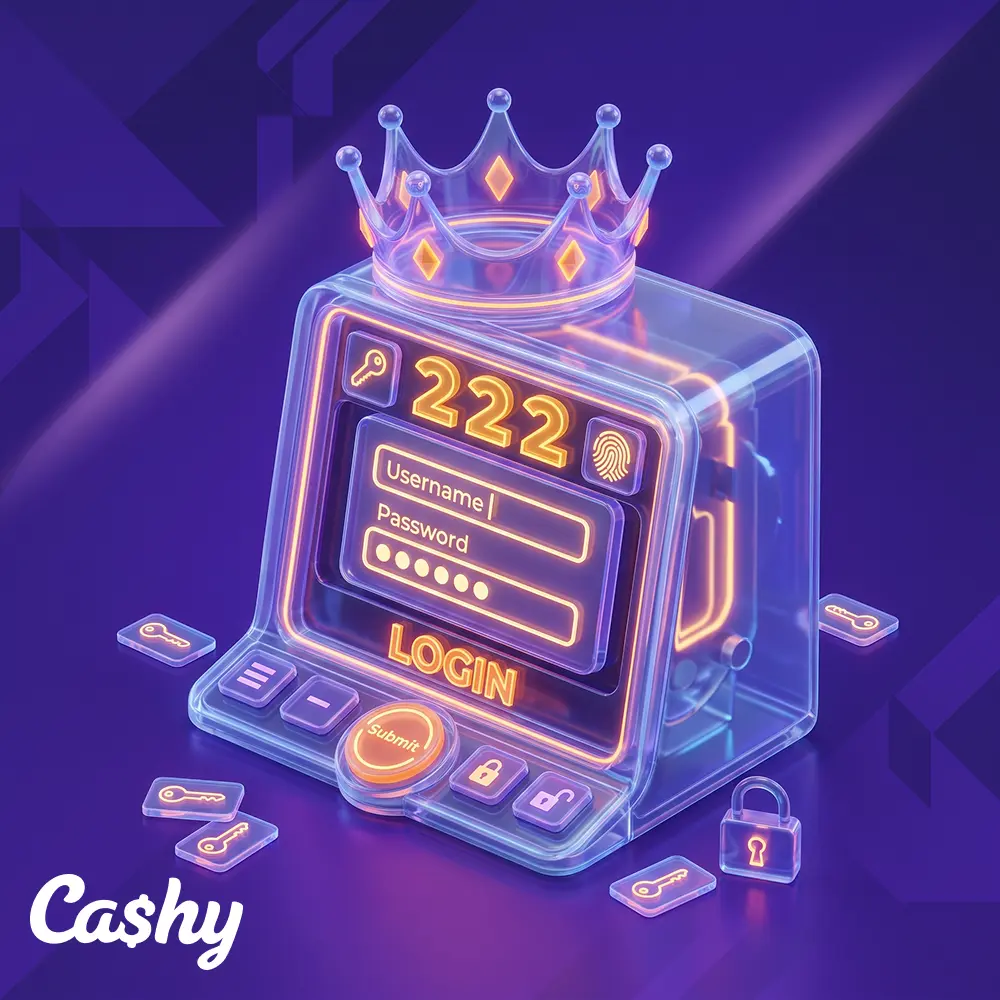
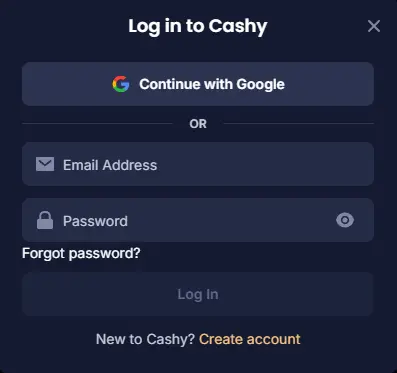
A Cashy Casino login only requires the email and password you set up with. The button for it sits in the top-right corner of the screen, hard to miss.
- Go to the site and tap the yellow Login button, top right.
- Enter your email and password.
- Clear the two-factor step if you’ve turned it on.
- Hit Submit and you’re in the lobby.
If your connection drops mid-session, during a live table or a bonus round, the site saves exactly where you left off. Log back in and a Resume Last Session pop-up puts you right back where you were, bets and all.
Cashy Casino Login on Mobile: PWA and Browser Access
You don’t need to download anything from an app store to play on your phone. A shortcut on your home screen does the same job.
- Safari (iOS): Open the site, tap Share at the bottom, then Add to Home Screen.
- Chrome (Android): Load the Cashy Casino sign in page, tap the three dots in the top-right, and add to home screen.
- You can also just play straight from the browser, no shortcut needed: full access to games and cashouts either way.
- If you’ve saved a session as a web app, both Android and iOS let you tie Face ID or fingerprint unlock to it, so getting back in is a single tap.
2FA and Login Protection
A few settings are worth turning on if you want extra protection:
- Google Authenticator (2FA): a fresh 6-digit code required for every Cashy Casino login.
- Withdrawal confirmation lock: crypto payouts wait for approval through an email link or security code before they go out.
- Device history logs: see every device currently logged in, and kick off anything that looks off.
- Anti-phishing code: pick a secret word, and it’ll show up in every real email from Cashy, so you know a fake one when you see it.
KYC Verification at Cashy Casino
You don’t need to upload ID the moment you make a Cashy Casino registration. Verification kicks in automatically once your cashouts or deposits cross certain thresholds.
| Verification Type | Accepted Documents |
|---|---|
| Proof of identity | Passport, driver’s license, or state ID card |
| Proof of address | Utility bill, bank statement, or official letter (dated within 90 days) |
| Proof of payment | Screenshot of the crypto wallet address or bank statement showing a deposit |
Uploading documents just means heading to Account Settings and tapping Verification. After the Cashy Casino sign up and first deposit, even a small one, the process of submitting documents starts automatically. Keep the photos clear, in color and fully in frame. Approvals typically land within 24 to 48 hours; if something’s blurry or outdated, support will email you exactly what to redo.
There’s also an Express Verification Queue: submit between 02:00 and 06:00 UTC, and an automated pre-scan can clear a standard ID check in under 15 minutes.
Login Problems and Solutions
Most Cashy Casino login errors come down to something simple, a typo, a network hiccup, or a temporary lock after too many wrong password attempts.
| Issue | Cause | Easy Solution |
|---|---|---|
| Invalid credentials | Typo in the password or Caps Lock is on | Use the reset password link in the Cashy Casino sign in window or carefully retype credentials |
| Account locked | Too many failed password guesses in a row | Wait 15 minutes for the system to cool down, or message live chat |
| GEO-block error | Trying to play from a country that isn’t allowed | Check local rules; using a VPN to trick the site breaks platform terms |
| Duplicate profile warning | An account already exists under that household/IP | Email support so staff can close the extra profile |
If a GEO-block error pops up while you’re just travelling within allowed states, you don’t need to wait on live chat. There’s a Location Refresh button right on the block screen that re-checks your IP without making you clear your browser cache.
How to Reset a Password?
Forgetting your password isn’t a big deal; the automated reset link sorts it out in under two minutes.
- Click Login, then Forgot Password?
- Enter your account email and hit Send Reset Link.
- Open the email and click the link inside.
- Set a new password and confirm; your Cashy Casino sign in details are updated.
On mobile, there’s also a passwordless option: request a one-time SMS code sent to your registered number and you’re back in without ever opening an email app.
How to Close Your Cashy Casino Account
Closing your profile is permanent, so withdraw whatever balance you have left first, once the profile’s shut down, that money’s gone for good.
To actually close it (players can do that even right after Cashy Casino registration), email [email protected] from your account address and ask for a permanent closure. As soon as that’s processed, the account locks for good, with no logging back in and no re-registering under the same details.
If there’s a tiny bit of crypto left (under $1), too small to cash out, the closure tool gives you the option to send it to the platform’s community tournament prize fund before everything locks.
FAQ
How do I register at Cashy Casino?
Registration only takes about two minutes. Tap Sign Up in the header, fill in your login details and basic contact info, tick the box confirming you're 18+ and agree to the terms, then hit Create Account. Only a valid email and password are needed to get started — you can play every game and claim every bonus right away.
What information does the sign-up form ask for?
The form asks for account credentials (email, password and preferred currency), personal details (full legal name, date of birth and gender), and contact data (street address, city, postal code and phone number). There's also a Low-Bandwidth Mode toggle for signing up on mobile data.
How do I log in to Cashy Casino?
Tap the yellow Login button in the top-right corner, enter your email and password, clear the two-factor step if it's turned on, then hit Submit. If your connection drops mid-session, a Resume Last Session pop-up puts you right back where you left off, bets included.
Can I log in on mobile without an app?
Yes. On iOS Safari, tap Share then Add to Home Screen; on Android Chrome, tap the three dots and add to home screen. No app store download is needed — the browser gives full access to games and cashouts either way. Saved sessions can also be linked to Face ID or fingerprint unlock for one-tap access.
What security features protect my account?
Cashy offers Google Authenticator (2FA) for a fresh code at every login, a Withdrawal Confirmation Lock requiring approval before crypto payouts go out, Device History Logs to review and kick off suspicious sessions, and an Anti-Phishing Code that appears in every real email from Cashy so you can spot fakes.
Do I need to verify my ID when I register?
No. Verification isn't required at signup — it kicks in automatically once your deposits or cashouts cross certain thresholds. When it does, you'll need proof of identity (passport, driver's license or state ID), proof of address (dated within 90 days) and proof of payment. Approvals typically take 24–48 hours, and submitting between 02:00–06:00 UTC can qualify for the Express Verification Queue, which clears standard checks in under 15 minutes.
What should I do if I can't log in to Cashy Casino?
Most login errors come down to something simple. Invalid credentials usually mean a typo or Caps Lock — use the reset password link. An account locked after too many failed attempts clears itself in 15 minutes, or you can message live chat. A GEO-block error while travelling within allowed states can often be cleared with the Location Refresh button. A duplicate profile warning needs an email to support so staff can close the extra account.
How do I reset my password?
Click Login, then Forgot Password, enter your account email and hit Send Reset Link, then open the email and click the link to set a new password. The whole process takes under two minutes. On mobile, you can also request a one-time SMS code for passwordless login.
How do I close my Cashy Casino account?
Withdraw any remaining balance first, since closure is permanent and any leftover funds are gone for good. Email [email protected] from your account address and request a permanent closure — this can be done even right after registration. If there's under $1 in crypto left, too small to cash out, you can choose to send it to the platform's community tournament prize fund before the account locks.